How to Install 9AM Multicharacter (ESX, QB)
Install and configure a modern FiveM multicharacter script with extra character slots, redeem keys, and a smooth selection UI for ESX and QB servers.
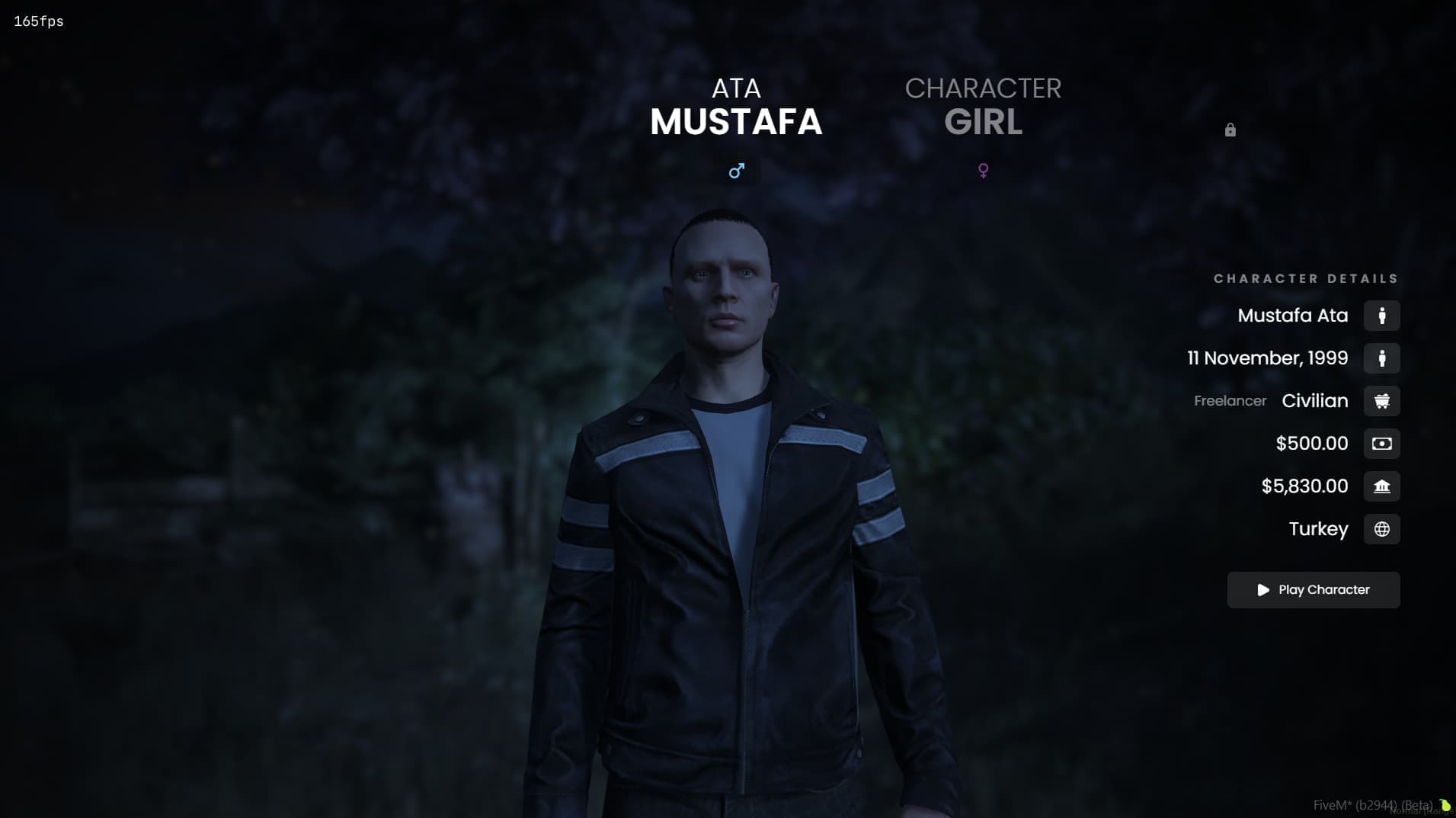
Character Selection Is Your Server's Front Door
Before anyone sees your custom heists or your carefully balanced economy, they see one screen: character selection. On too many servers that screen is still the stock menu that shipped with the framework.
9AM Multicharacter replaces it with a selection screen that matches the rest of a well-built server. Players get a clean, fast UI. You get extra character slots you can sell or hand out through redeem keys.
What's In It
The UI is the obvious part: character cards, clean typography, smooth transitions. Data is cached on the client, so the screen opens quickly even when the whole server reconnects after a restart.
The slot system is the practical part. Extra character slots are one of the healthiest things a roleplay server can sell. A police main wants a criminal alt, a storyteller wants a third character for a new arc. This script builds the slot system in from day one instead of bolting it on later.
Slots unlock through redeem keys. Sell a slot on your store and send the buyer a key, or use keys as event prizes and giveaway rewards. You control distribution without ever touching the database by hand.
It works on both ESX and QB.
Installation
Step 1: Place the Resource
Download the script from your Cfx.re Portal and extract it into your server's resources/ folder as 9am-multicharacter.
Step 2: Disable Your Current Multicharacter
Two character systems can't own the join flow at the same time. Comment out or remove your existing one (qb-multicharacter, esx_multicharacter, or whatever you run) before enabling this one.
Step 3: Update server.cfg
Framework first, then the multicharacter:
ensure qb-core   # or es_extended
ensure 9am-multicharacter
Step 4: Set Your Slot Counts
In the config, set the default slot count and how many extra slots can be unlocked. Two or three free slots with two more behind redeem keys is a common setup. Casual players never hit the limit, and dedicated ones have room to grow.
Step 5: Restart and Verify
Reconnect and check that your existing characters show up. Create a test character, switch between characters, and redeem a test key. If all of that works, you're live.
Note: Test the join flow with a fresh account too, not just your own. New player onboarding is exactly the place where you can't afford a broken screen.
Selling Extra Slots Without Backlash
A few guidelines that keep slot monetization healthy:
- Price slots as convenience, not power. A slot doesn't make anyone richer in-game, it just enables more stories. That keeps it clearly on the fair side of monetization.
- Use redeem keys for community building. A slot key makes a great event prize: high perceived value, zero economy impact.
- Keep at least two slots free. Players who enjoy a second character are the ones who buy a third.
Escrow or Open Source?
Both editions have the full feature set: the UI, slots, redeem keys, and the client cache. Open source adds complete source access for servers that want to reskin the screen or tie character data into custom systems. If the stock look fits your server, escrow is the simple choice.
Get Started
The join flow sets expectations for everything after it. Make it modern, make it fast, and let it quietly pay for itself.
FiveM Multicharacter Script
Clean character selection, extra slot monetization, and redeem keys for ESX and QB servers.
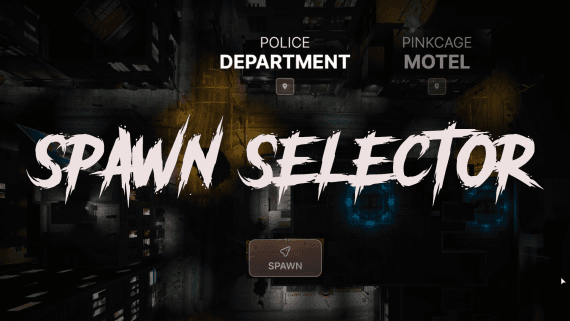
It pairs naturally with the 9AM Spawn Selector for a complete first-join experience. Full details in the multicharacter documentation.