Category Archive
Installation Guides
Explore our Installation Guide category for detailed tutorials on installing FiveM scripts, configuring server resources, importing SQL files, and fixing common setup errors. Whether you are using QBCore, ESX, or Qbox, these guides help you deploy escrow and open-source FiveM scripts faster, avoid compatibility issues, and keep your roleplay server running smoothly.

How to Set Up a Free FiveM 3D Text UI with ox_lib Override
Install a free animated 3D text UI for FiveM with world-space prompts, ox_lib override support, and an export-based API. A five-minute polish upgrade for any server.
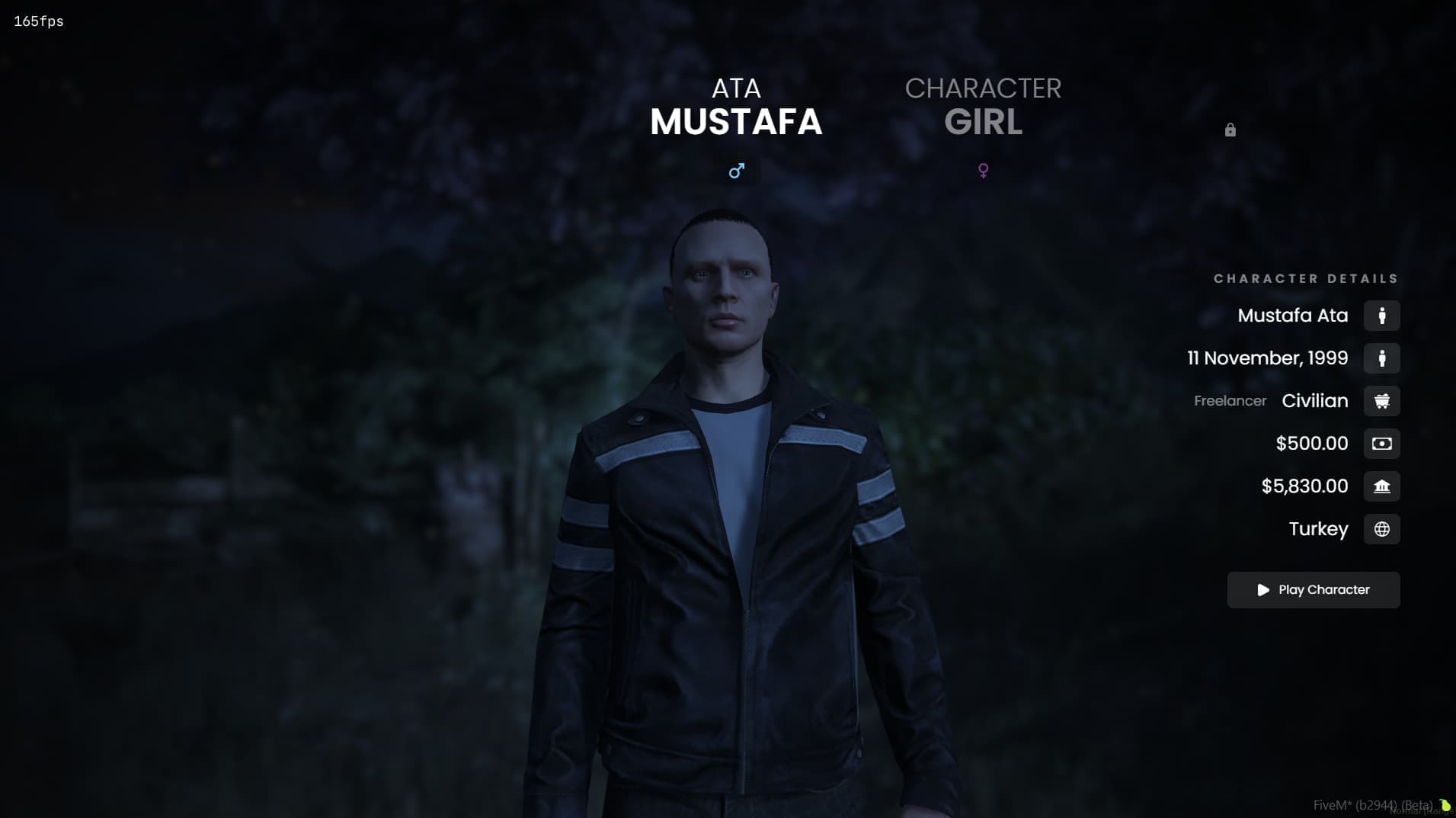
How to Set Up a FiveM Multicharacter Script with Extra Slots
Install and configure a modern FiveM multicharacter script with extra character slots, redeem keys, and a smooth selection UI for ESX and QB servers.

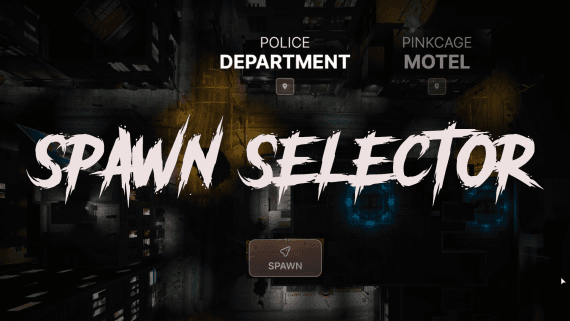
How to Set Up a FiveM Spawn Selector for ESX and QBCore
Set up a modern FiveM spawn selector with multiple spawn locations and a clean UI. Installation, configuration, and launch tips for ESX and QB roleplay servers.

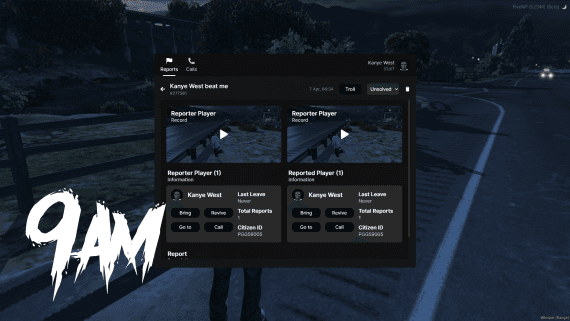
How to Set Up a FiveM Report Script with Screen Recording
How to install and roll out a FiveM report script with screen recording and pre-record support, giving staff a faster, evidence-based workflow on QBCore and ESX servers.

How to Set Up a FiveM Lockpick Script with a Skill-Based Minigame
A complete guide to installing and configuring a skill-based FiveM lockpick minigame with XP progression, difficulty presets, and drop-in exports for doors, vehicles, and heist content.

How to Set Up a FiveM Dealership Script for Your Roleplay Server
A complete guide to installing and configuring a feature-rich FiveM dealership script with support for QBCore, ESX, and QBox — including finance, employee management, and stock delivery systems.